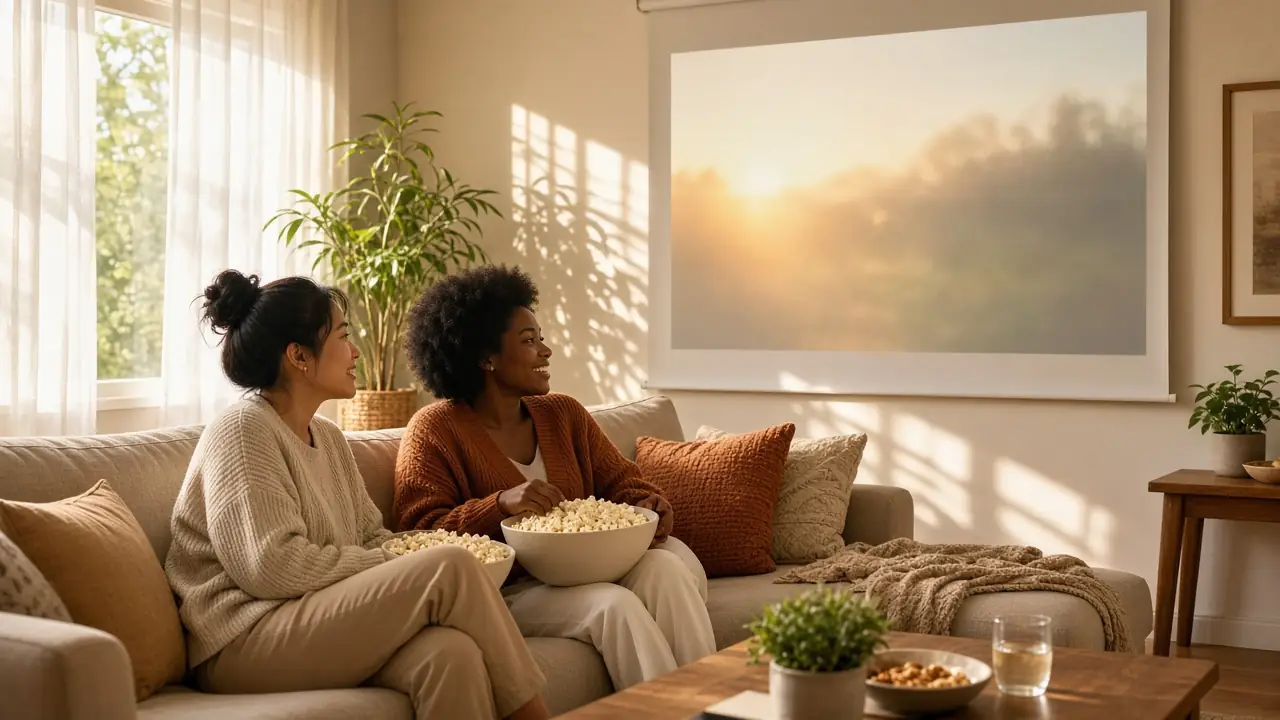
Projector in a Sunny Living Room You Can't Black Out? Here's What Actually Holds Up
Paid links: as an Amazon Associate we earn from qualifying purchases, at no extra cost to you. How we make money.
Solved: Get the Hisense PX3-PRO with a UST light-rejecting screen. It puts 3,000 ANSI lumens on the wall from inches away, built for rooms you can't black out. See why ↓
Top 3 picks
Solved it- Top pick:See it on Amazon Amazon · paid link
Pick 1: Hisense PX3-PRO TriChroma Laser UST Projector
Best overall TV replacement for a bright room
The PX3-PRO combines 3,000 ANSI lumens with a 0.22:1 UST lens, so it can sit inches from the wall and work with a light-rejecting screen built for daytime rooms.
- See it on Amazon Amazon · paid link
Best for the most brightness per dollar
- See it on Amazon Amazon · paid link
Pick 3: Epson Home Cinema 2350
Best for color that stays saturated with lights on
Ambient light does not make a projector dimmer. It makes the screen brighter everywhere, including the parts that are supposed to be black, so the picture turns gray and washed out. In a living room with big windows and no plan to hang blackout curtains, you have two levers: a lot more light from the projector, and a screen that rejects light coming from anywhere except the lens.
That splits the realistic choices into two paths. An ultra-short-throw (UST) laser projector sits on a console under the wall and pairs with a ceiling-light-rejecting screen. A bright standard-throw projector costs far less but needs ceiling or shelf placement behind the couch. Below are the three we would actually buy for each budget, with the tradeoffs spelled out.
The 3 picks
- Hisense PX3-PRO TriChroma Laser UST Projector · Best overall TV replacement for a bright room
- Optoma UHD38x · Best for the most brightness per dollar
- Epson Home Cinema 2350 · Best for color that stays saturated with lights on
#1: Hisense PX3-PRO TriChroma Laser UST Projector
Best overall TV replacement for a bright room
Skip it if you can't add a UST light-rejecting screen; on a plain wall it looks washed out in sunlight.
If the projector is replacing the TV in a room you use during the day, this is the setup that holds up best for the money. Hisense rates the PX3-PRO at 3,000 ANSI lumens from a red, green and blue triple-laser light source, and its 0.22:1 throw ratio lets it sit on a console just inches from the wall while filling an 80- to 150-inch screen. That placement is what makes daytime viewing realistic, because it lets you use an ultra-short-throw ambient-light-rejecting screen that bounces the projector's light toward you and sends overhead and window light away. It runs Google TV and supports Dolby Vision. Budget for that screen on top of the projector; on a plain white wall, even 3,000 lumens will look washed out in sunlight.
Why it fits
- Sits on a console; no ceiling mount or cable runs
- Triple-laser light source, Dolby Vision
Watch out for
- Needs a UST-specific light-rejecting screen to shine in daylight
#2: Optoma UHD38x
Best for the most brightness per dollar
Skip it if it can't sit about 11 to 12 feet back for a 100-inch image, or you don't want to replace a lamp eventually.
The UHD38x is the budget brightness play. Optoma rates it at 4,000 lumens, more than anything else here, and it outputs a 3840 by 2160 picture with HDR10 and HLG support. Gamers get a bonus: 1080p at 240Hz with an input lag Optoma lists at 4.2 milliseconds. The catch is placement. With a 1.5 to 1.66 throw ratio and only a small 1.1x zoom, it has to sit behind the seating on a shelf or ceiling mount, roughly 11 to 12 feet back for a 100-inch image, and the lamp in Bright mode is rated for about 4,000 hours before replacement. In a sunny room, put it on the brightest mode for daytime, switch to Eco at night, and pair it with a gray or ALR screen made for standard-throw projectors.
Why it fits
- Highest rated brightness on this list
- Low input lag for gaming at 1080p
Watch out for
- Lamp, not laser; replacement needed eventually
#3: Epson Home Cinema 2350
Best for color that stays saturated with lights on
Skip it if you want native 4K; it uses pixel shifting on 1080p panels.
Brightness numbers can hide a weakness: some single-chip projectors measure bright on white but lose punch on colors. Epson's 3-chip 3LCD design is rated at 2,800 lumens for both color and white, so reds and greens hold up better when the room is not dark. Its 1.62x zoom and plus or minus 60 percent vertical lens shift make it the most forgiving to place, which helps when the only spot is a bookshelf that does not line up with the screen center. Resolution uses Epson's 4K PRO-UHD pixel shifting on native 1080p panels rather than a true 4K chip, and it has Android TV built in. Choose it over the Optoma if flexible placement and color matter more than the absolute lumen figure.
Why it fits
- Equal color and white brightness ratings
- Zoom and lens shift make placement easy
Watch out for
- Pixel-shift 4K on native 1080p panels
Quick comparison
For a TV-replacement setup in a sunny room, get the Hisense PX3-PRO and a UST light-rejecting screen. If you can mount a projector behind the couch and want to spend far less, the Optoma UHD38x gives you the most raw brightness, while the Epson Home Cinema 2350 trades a little brightness for steadier color and much easier placement.
| # | Product | Best for | Key spec | Link |
|---|---|---|---|---|
| 1 | Hisense PX3-PRO TriChroma Laser UST Projector | Best overall TV replacement for a bright room | 3,000 ANSI lumens, 0.22:1 throw, 80-150 in image | See it on Amazon |
| 2 | Optoma UHD38x | Best for the most brightness per dollar | 4,000 lumens, 4K UHD, 1.5-1.66:1 throw | See it on Amazon |
| 3 | Epson Home Cinema 2350 | Best for color that stays saturated with lights on | 2,800 lumens color and white, ±60% lens shift | See it on Amazon |
Pick your path first
UST (Hisense PX3-PRO): the projector sits on a low console a few inches from the wall. No ceiling mount, no cables across the room, and it works with UST light-rejecting screens. Highest cost.
Standard throw (Optoma, Epson): the projector goes behind the seating on a shelf or the ceiling, roughly 9 to 12 feet back for a 100-inch picture depending on the lens. Much cheaper, but you need a mounting spot and a cable run, and people walking past can block the beam.
Fix the room where you can
Even without blackout curtains, small changes help a lot: turn off overhead lights that shine onto the screen, use lamps behind or beside the seating instead, and keep the screen on the wall that windows do not face.
Frequently asked questions
How many lumens do I need for a bright room?
Reviewers testing projectors in daylight generally point to about 3,000 lumens or more as the starting point, and even then the screen matters as much as the projector. A light-rejecting screen does more for daytime contrast than an extra few hundred lumens.
Can I use a regular white wall in a bright room?
You can, but expect a washed-out picture whenever sunlight or overhead lights hit the wall. A white surface reflects room light just as well as projector light, which is exactly what you are trying to avoid.
What is an ALR screen and do I need one?
An ambient-light-rejecting screen uses an optical surface that sends the projector's light toward the seats and redirects light from other angles away. UST projectors need a UST-specific version, because their light arrives from below at a steep angle.
Should the sun ever hit the screen directly?
No. No projector and no screen can compete with direct sunlight. Position the screen on a wall that windows do not face, or plan daytime viewing around the hours the sun is not on it.